How to write faster on a computer
To write faster, plan what you will say before you start, write the first draft without stopping to fix it, and fix it afterwards. Saying it out loud is faster still.
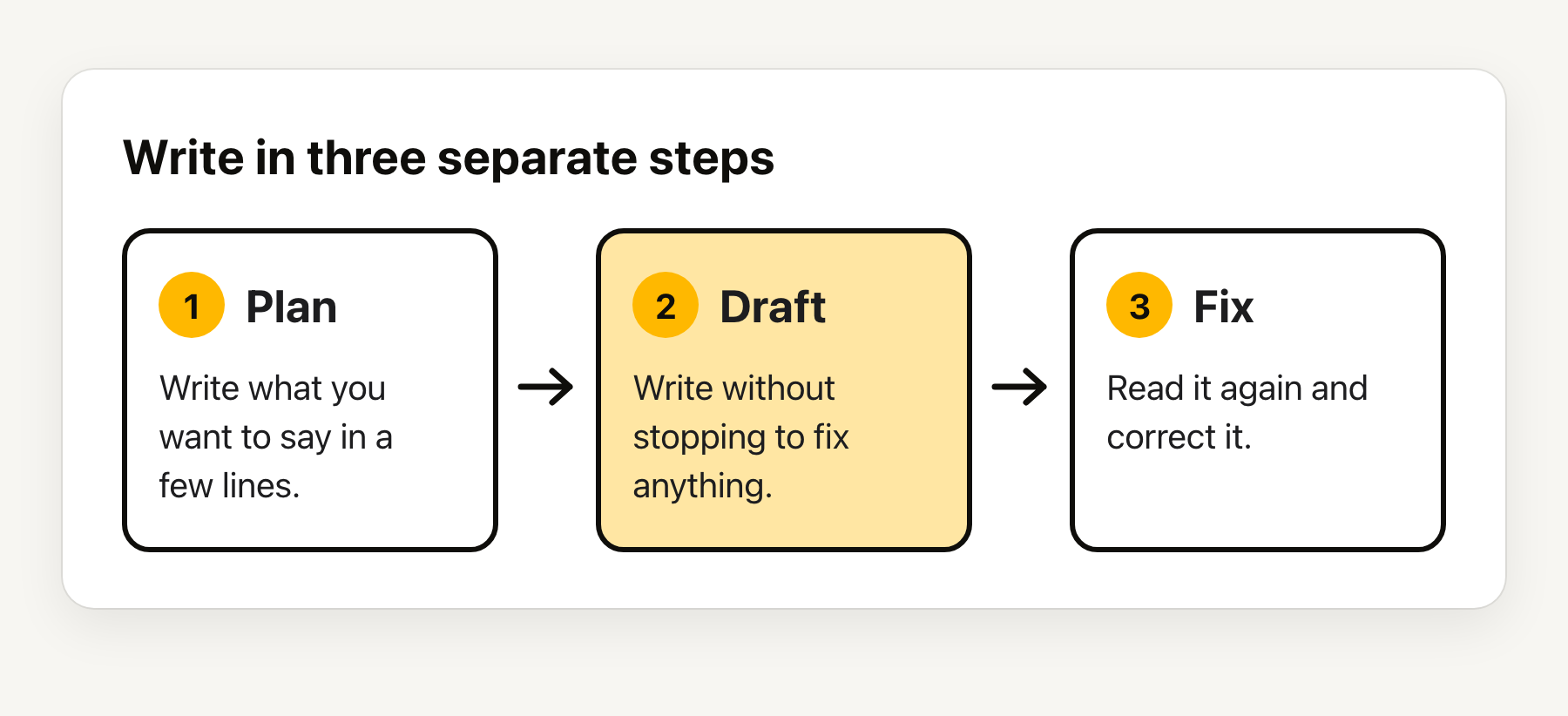
When you write, typing is only one part of the work. You also need to decide what to say, and to fix it afterwards. The way to write faster is to keep these parts apart.
We have built Roar, a dictation app that is light years ahead of Apple Dictation. There's a link to try Roar for free at the end of this article.
How can I increase my writing speed?
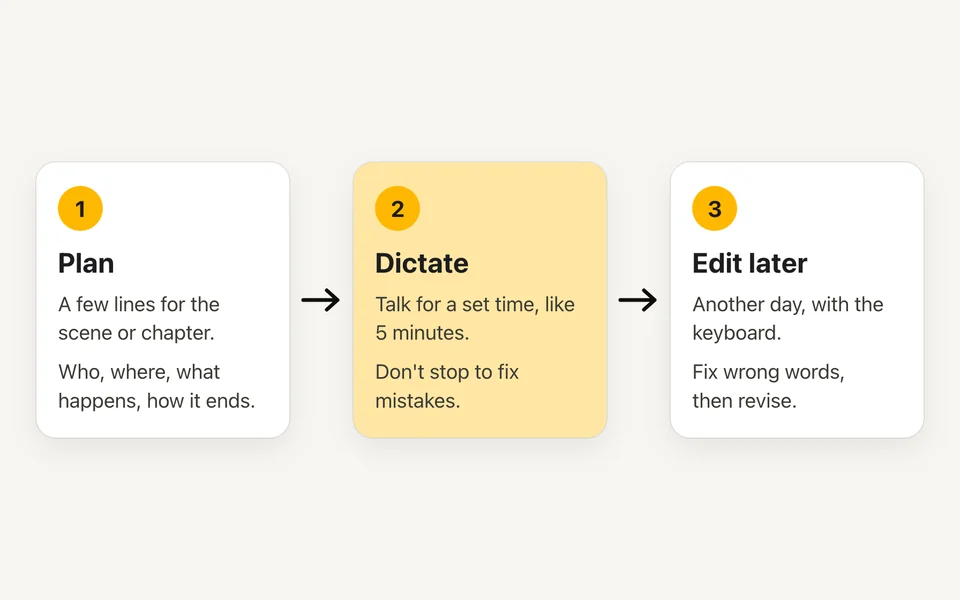
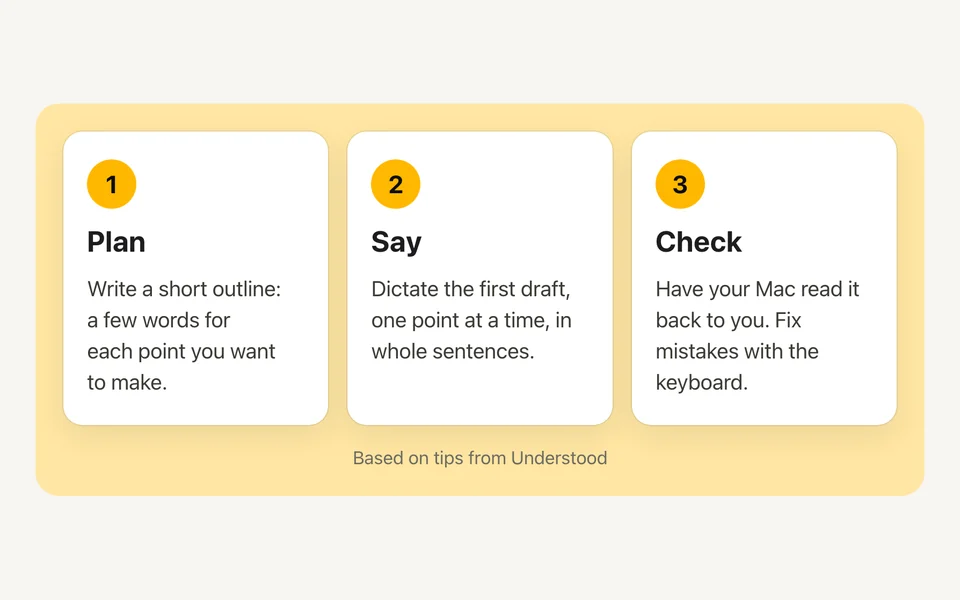
Split your writing into three separate steps: plan, draft, then fix. When you do all three at once, you decide what to say, type it and fix it, one sentence at a time. That is slow, because you keep switching.
Writing has three parts:
- Planning: deciding what to say. This includes finding facts and numbers.
- Drafting: getting the words onto the page, by typing or by speaking.
- Fixing: reading the text again and correcting it.
Only the second part depends on how fast you type. The other two depend on how clear you are about what you want to say.
How do I plan before I write?
Write a short plan of 3 to 5 lines before you start. Don't write full sentences. Just write the points, in the order you want to make them.
Time needed About 5 minutes.
A simple plan for most writing at work has five lines:
- Who is it for?
- What is the one thing they need to know?
- The first reason or fact.
- The second reason or fact.
- What do you want them to do next?
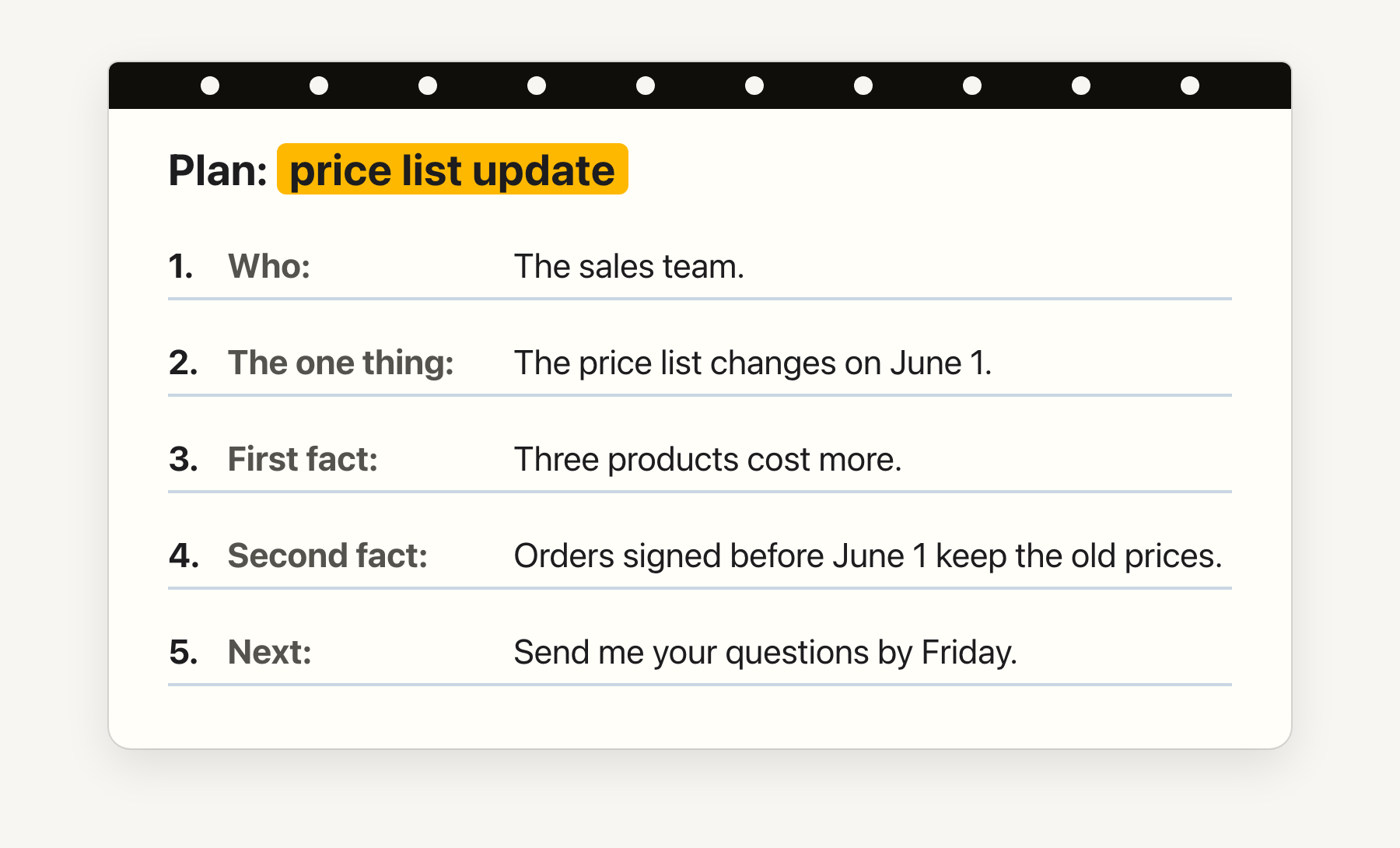
Roy Peter Clark, a writing teacher at the Poynter Institute, gives the same advice to reporters on a deadline: write a five-point plan before you draft.
If you can't write the second line, you aren't ready to write yet. Find the answer first, then write.
How do I stop editing while I write?
Write the first draft from start to finish without going back. Don't fix spelling, don't change words, and don't reread the last paragraph.
When a fact or a word is missing, type XX and keep going. When the draft is finished, search for XX and fill in each gap.
Clark calls this lowering your standards for the first draft. You save the polishing for the fixing step, when you can see the whole piece at once.
We know this is hard, because fixing as you go feels like progress. But a sentence you fix now may be cut later. Finish the draft first, then decide what to keep.
What is the fastest method to write?
Speaking is the fastest way to get words onto the page. It is about three times as fast as typing.
A study at Stanford University and the University of Washington compared the two on an iPhone. Speaking reached 153 words a minute. Typing on the phone's keyboard reached 52. On a computer keyboard, the average person also types about 52 words a minute. Our guide to the average typing speed explains where that number comes from.
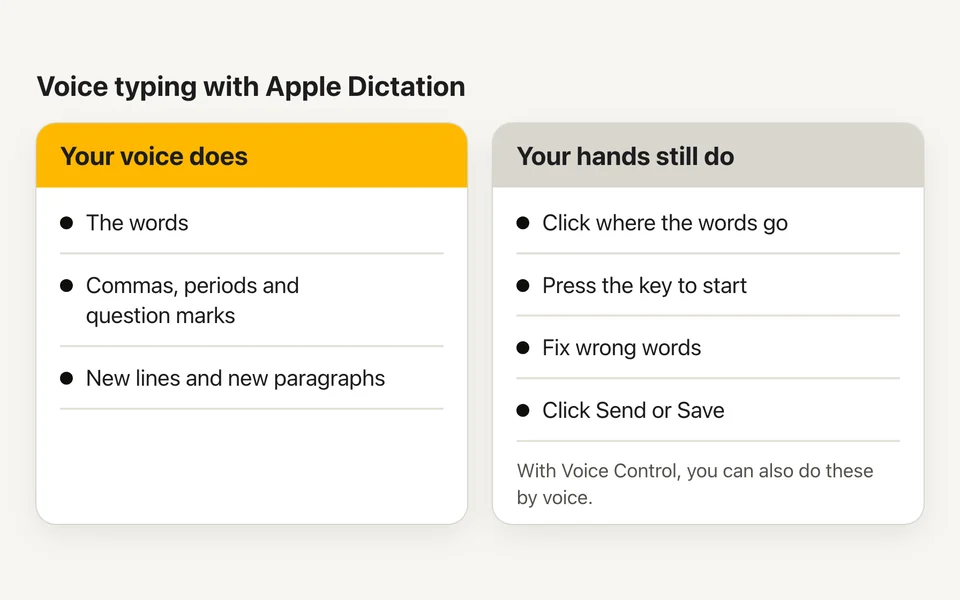
Your Mac has free dictation built in. Apple calls it Dictation. Open System Settings, click Keyboard, and turn on Dictation. Then click where you want the words to go, press the Microphone key, and talk. Our guide on how to dictate on a Mac shows every step with pictures.
Speaking works best with a plan in front of you. Read the next line of your plan, then say it in your own words.
How do I write faster on a keyboard?
Use more fingers. In a large typing study by Aalto University and the University of Cambridge, people who typed with more fingers were faster. People who had taken a typing course were, on average, 5 words a minute faster than people who had not.
Also stop typing the same text again and again. On a Mac, you can make a short code that turns into a longer piece of text, like your address or a sentence you use every day. Apple calls this a text replacement. Open System Settings, click Keyboard, then click Text Replacements, and click the Add button (+). Text replacements don't work in all apps. If one doesn't work in an app, type the full text there.
How long should it take to write 1,000 words?
Typing 1,000 words takes about 19 minutes at the average speed. That is only the typing. Planning and fixing take extra time on top. Our guide on how long it takes to type 1,000 words has the times at every typing speed.
If you write news stories, our guide on how journalists write so fast shows how reporters plan a story in five lines.
When should you pay for a dictation app?
For simple, short text, like a text message, a web search or a quick reply, Apple Dictation works fine in most cases.
A paid app makes sense if you write for hours every day, and if you don't want to fix the dictation errors that Apple Dictation makes.
We've built Roar, the best way to write with your voice. Roar cleans up and formats text based on where you're writing to retain your exact meaning. Think of how emails, LinkedIn posts and AI prompts all need to be formatted differently. It keeps your exact words, to the best extent possible.
Roar keeps no recordings of your voice and no transcripts on our servers. It does not use your data to train AI models. Roar works on Macs with macOS 14 Sonoma or later and Apple silicon (M1 or newer).
Your first 5 dictations on Roar are free. You can read how Roar works or download Roar for Mac.