How to dictate a book
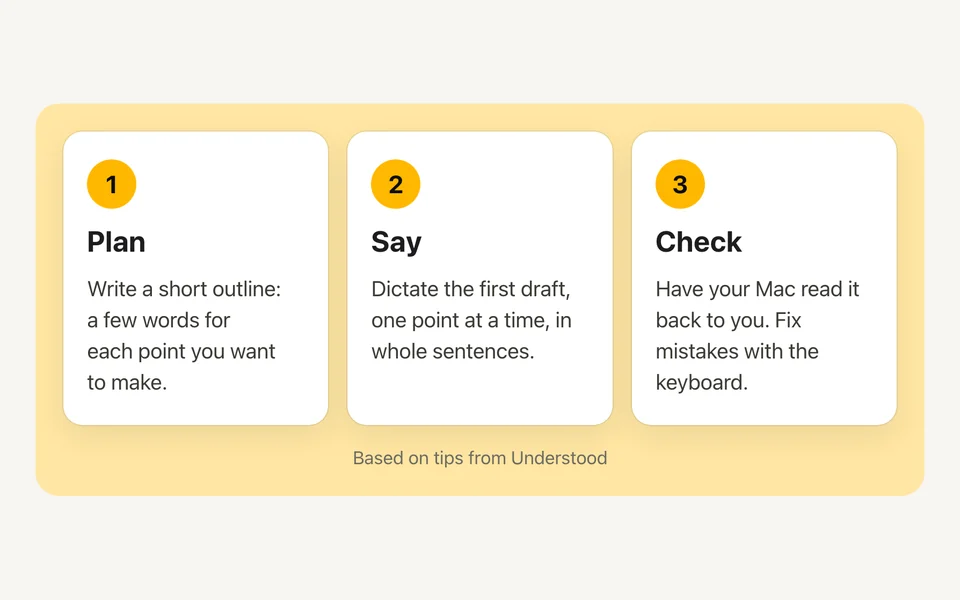
You can write a book by saying it out loud. This guide shows a simple method to plan, dictate and edit a book, and how to do it for free on a Mac.
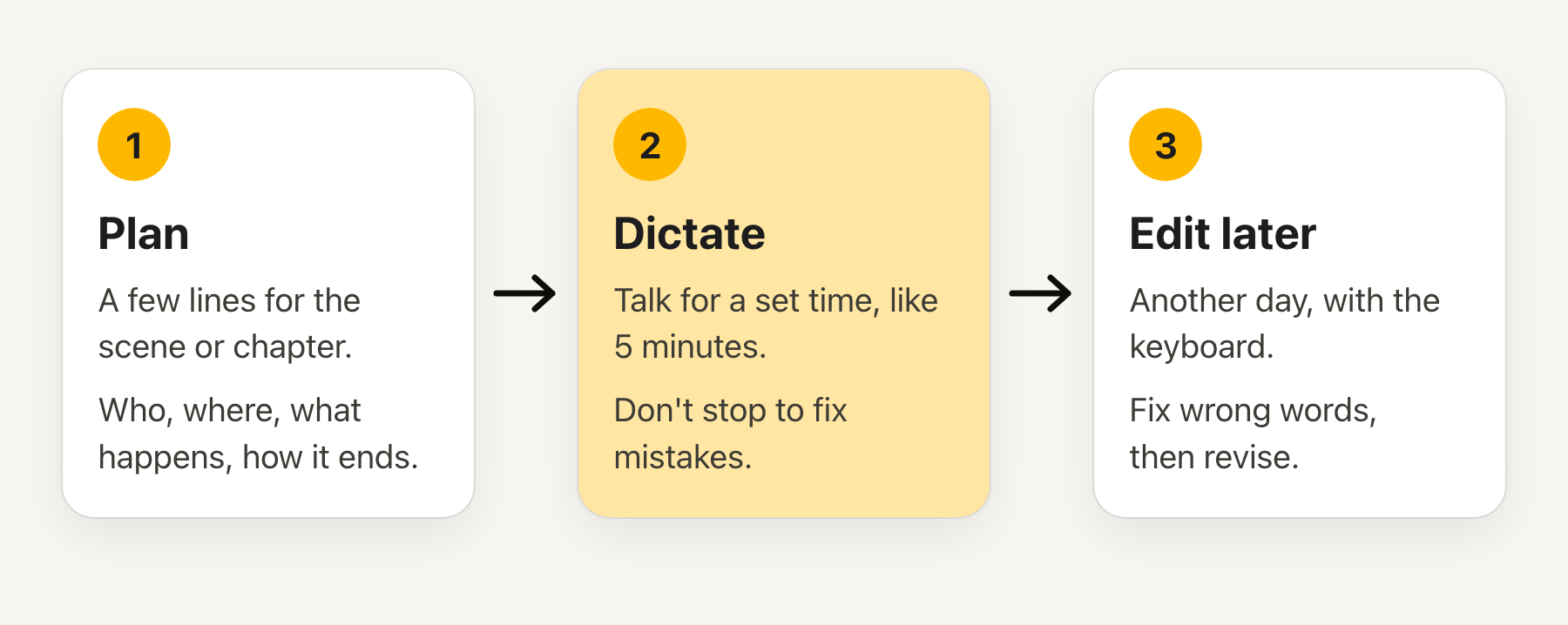
To dictate a book, you plan each scene or chapter, say the first draft out loud, and edit it later with the keyboard. On a Mac, you can start for free with Apple Dictation.
We have built Roar, a dictation app that is light years ahead of Apple Dictation. There's a link to try Roar for free at the end of this article.
What is the best way to dictate a book?
Keep talking and editing apart. Dictate the first draft, and fix it later.
Joanna Penn, an author who writes about dictation on her site The Creative Penn, puts it this way: "If you dictate, you can bypass critical voice, get the first draft done, and edit later." She adds: "You also don't have to dictate a perfect draft."
If you stop after every sentence to fix a word, dictating feels slow. Keep talking, and fix the mistakes when you edit.
How do I plan a chapter before I dictate it?
Write a few lines for each scene before you start talking. For a novel, answer four questions: who is in the scene, where it happens, what happens, and how it ends. Write the answers on a card, and keep it in front of you while you dictate.
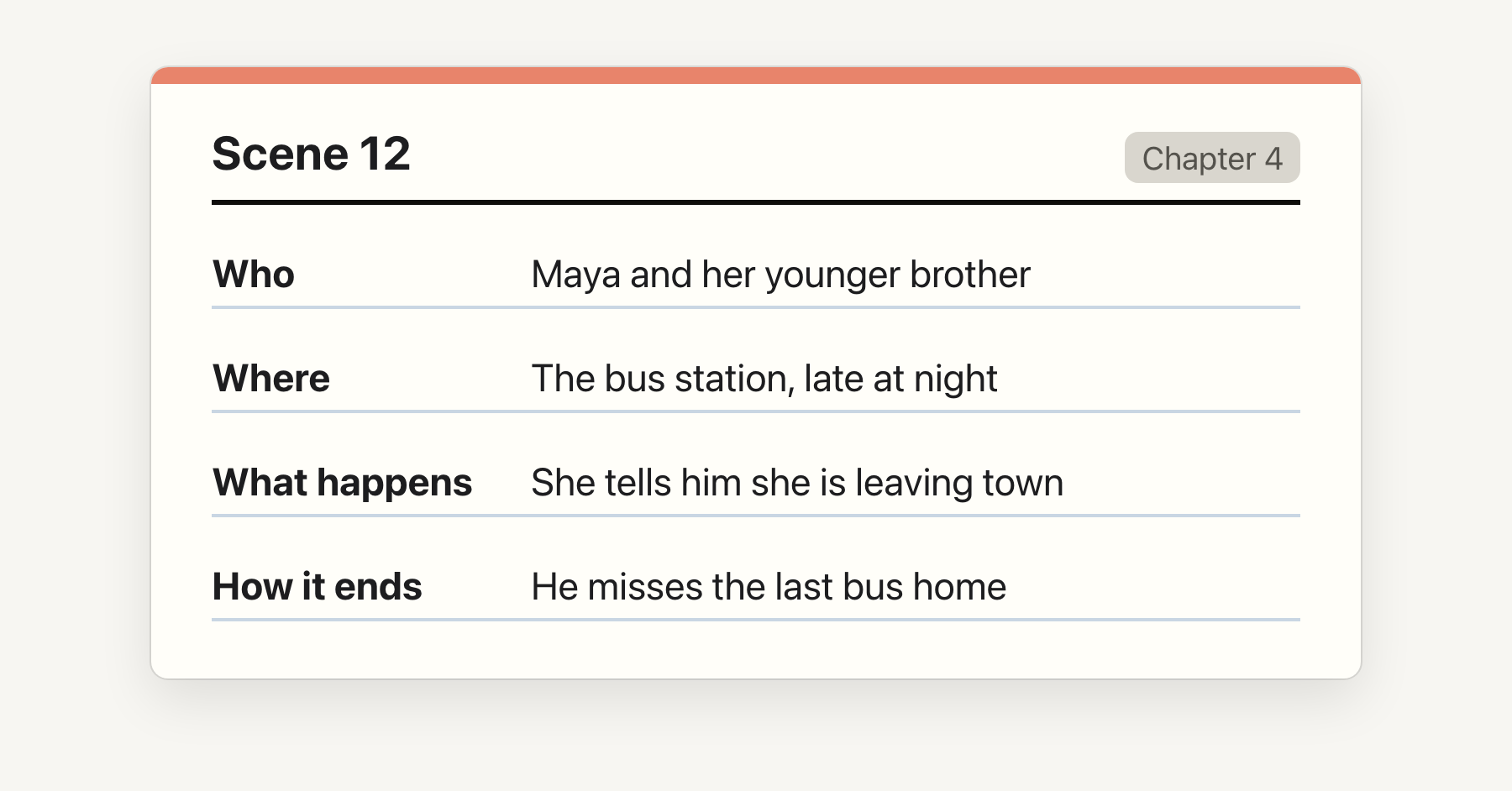
The scene on the card is only an example. Use your own four answers.
If your book has chapter headings, use them. Joanna Penn suggests you talk about each topic under your headings, then use the result to start your draft.
Some writers dictate the plan itself. Sarah Elisabeth Sawyer, an author who dictates her fiction, wrote in a reply to a reader on Helping Writers Become Authors: "I dictate all of my outlines now."
How do I start dictating when it feels awkward?
Expect it to feel strange at first. Sawyer gives three tips for the first days:
- Accept that you are a beginner. "Give yourself permission to be a beginner," she writes.
- Start with a scene that is low-stakes, like a scene from a familiar character's past, not your current manuscript.
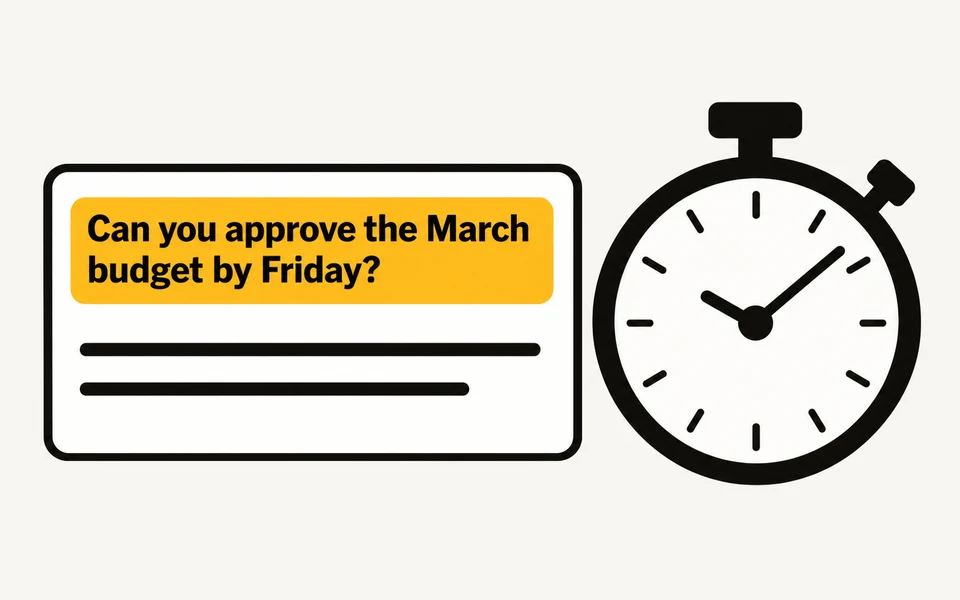
- Set a timer, and dictate for only 5 minutes. "The main idea is that you dictate for just 5 minutes every day."
How fast can you write a book with dictation?
It depends on the writer and on practice. Sawyer says dictation doubled her speed, "from 1,500 words of fiction per hour to 3,000 words." She also says that "Speed will come with practice."
To see how long it takes to type the same words compared with saying them, read our guide on how long it takes to type 1,000 words.
How do I dictate a book on a Mac?
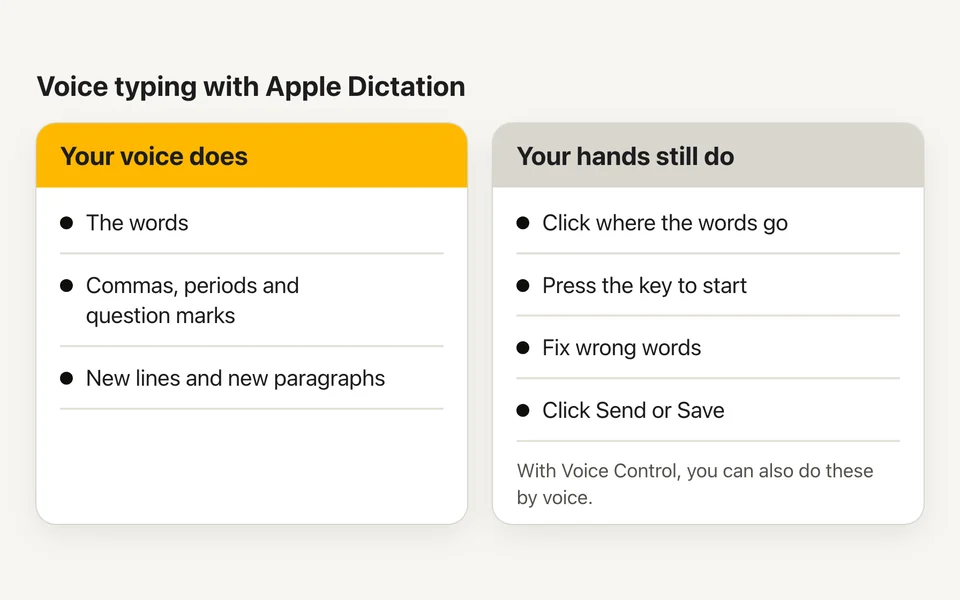
Use Apple Dictation in the app where you write your book, like Pages, Microsoft Word or Google Docs.
Time needed About 1 minute to start.
- Open your manuscript, and click where the new text should go.
- Press the Microphone key once. On most Mac keyboards from the last few years, the F5 key has a small microphone on it. This is the Microphone key.
- When a small microphone appears next to your cursor, start talking.
- When you finish, press the Microphone key again, or press Escape.
If nothing happens when you press the key, Apple Dictation may be switched off. Our guide on how to dictate on a Mac shows how to turn it on, with pictures.
These commands are the most useful for a book:
| Say this | You get |
|---|---|
| "new paragraph" | A new paragraph |
| "quote" and "end quote" | Quotation marks around the words in between, for dialogue |
| "comma" and "period" | , and . |
| "question mark" | ? |
Apple Dictation adds most commas and periods for you, but it won't start a new paragraph by itself. Our list of Mac dictation commands has the rest.
Can I dictate a book while walking?
Yes. Record yourself on your iPhone while you walk, and turn the recording into text on your Mac later. Joanna Penn quotes the author Kevin J. Anderson, who suggests you take a recorder or your phone and just go for a walk. Penn herself sometimes dictates into the Notes app on her iPhone when she is out walking.
To turn a recording into text, see our guide on how to turn voice memos into text on a Mac. Turning a recording into text is called transcription, and it works differently from dictation. Our guide on dictation and transcription explains the difference.
How do I edit a dictated book?
Edit on another day, with the keyboard. Penn says: "You will need to do a light edit to correct transcription issues each time." Sawyer says her dictated drafts are messy, and that "The refinement comes later, during revision."
- First, read the draft for wrong words. Dictation gets names, places and invented words wrong more often than everyday words.
- If a character's name keeps coming out wrong, fix it everywhere at once with Find and Replace in your writing app.
- Then revise the book the way you would revise any draft.
What is the best app to dictate a book?
To start, use Apple Dictation. It is free, it comes with every Mac, and it works in Pages, Word and Google Docs. Try it for a week of short sessions before you buy anything.
For simple, short text, like a text message, a web search or a quick reply, Apple Dictation works fine in most cases.
A paid app makes sense if you write for hours every day, and if you don't want to fix the dictation errors that Apple Dictation makes.
We've built Roar, the best way to write with your voice. Roar cleans up and formats text based on where you're writing to retain your exact meaning. Think of how emails, LinkedIn posts and AI prompts all need to be formatted differently. It keeps your exact words, to the best extent possible.
Roar keeps no recordings of your voice and no transcripts on our servers. It does not use your data to train AI models. Roar works on Macs with macOS 14 Sonoma or later and Apple silicon (M1 or newer).
Your first 5 dictations on Roar are free. You can read how Roar works or download Roar for Mac.