Memo to file template and example for lawyers
A memo to file records a call, a decision or advice in the client file, so there is a written record. This is a free memo to file template with a filled-in example.
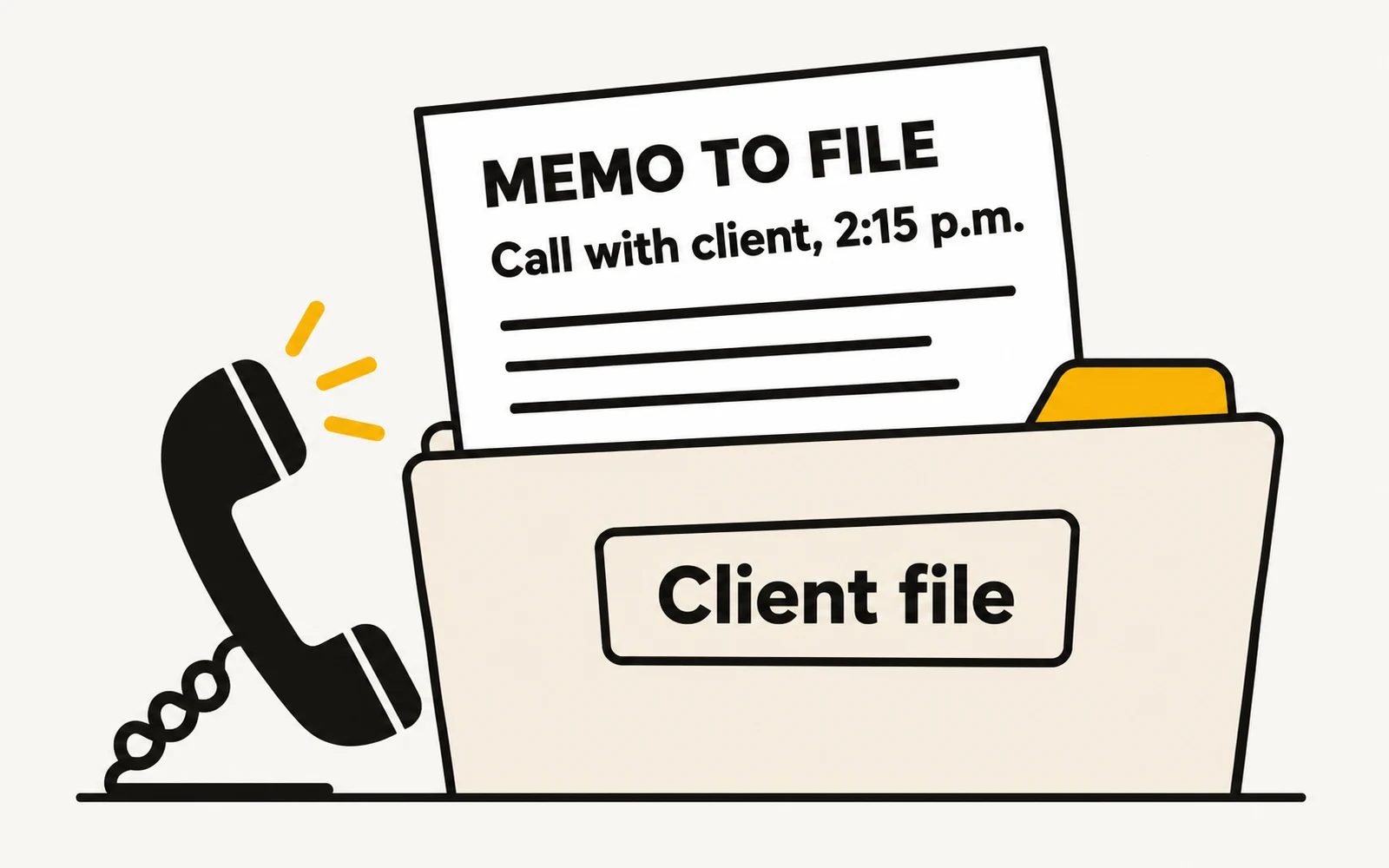
A memo to file is a short note that a lawyer or paralegal puts in the client's file. It records a conversation, a decision or an event, so there is a written record of it later.
We have built Roar, a dictation app that is light years ahead of Apple Dictation. There's a link to try Roar for free at the end of this article.
What does memo to file mean?
"Memo to file" means a memo that is addressed to the file, not to a person. Nobody receives it. It stays in the client's file as a record.
The Georgia Bar Journal's legal writing column describes it as a record of a decision, a conversation or an important event. It captures information that would otherwise leave no paper trail.
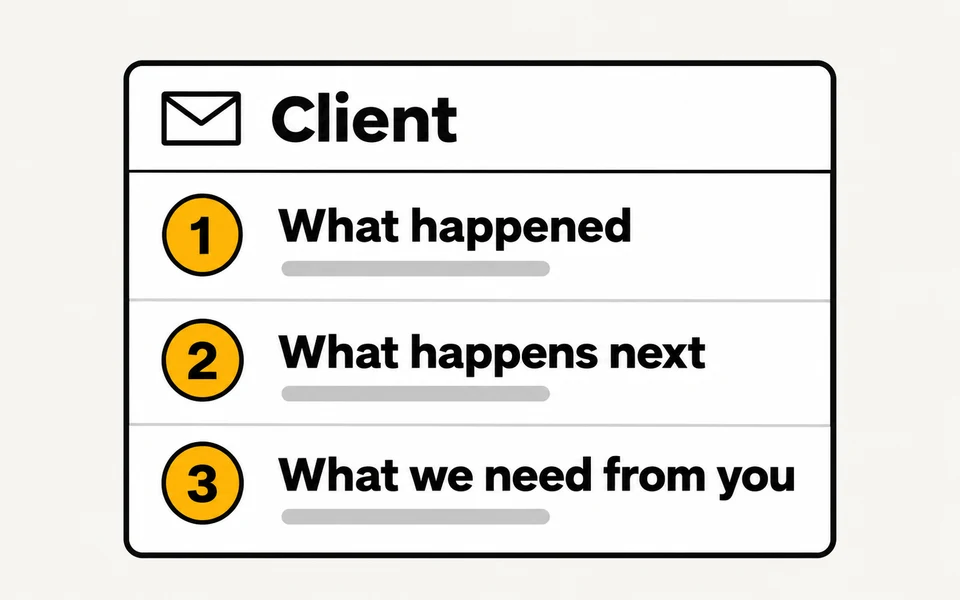
The Faculty of Law at Thompson Rivers University gives a simple test for a good one. If you stopped working on the file today, could someone else pick it up and know exactly what has happened, and what comes next?
When should a lawyer write a memo to file?
Write a memo to file whenever something important happens that is not already in writing. A phone call, a meeting or a decision made out loud leaves no record unless you write one.
The Georgia Bar Journal gives these examples:
- Conversations with a client about whether to accept a settlement offer
- Negotiating the terms of a contract with opposing counsel
- A client's decision to give up a claim, a defense or another legal right
You can use one for other moments too, like a call with a court clerk about a deadline, advice you gave a client by phone, or the reason you chose one strategy over another.
Write it on the same day. A federal judge quoted in the same column gives this advice for any important event: document in detail "the what, the when and the where."
How do I format a memo to file?
Start with a short heading, then write the body in plain paragraphs. The heading is the same as any office memo, but the To line says File.
| Line | What to write |
|---|---|
| To | File |
| From | Your name and role |
| Date | The date you write the memo |
| Re | The client, the matter number, and the subject in a few words |
Then write the body in this order:
- What happened: the date, the time, how it happened (a call, a meeting, an email) and who took part.
- What was said: the main points, in plain sentences. Quote the client's exact words for anything important.
- What was decided or advised: the advice you gave, and the decision the client made.
- What happens next: who does what, and by when.
Use facts, not opinions. Someone may read the memo years later, without you there to explain it.
Write it as if the client, or a court, may read it one day. Under the American Bar Association's Model Rule 1.16(d), a lawyer must hand over the papers the client is entitled to when the work ends. The ABA Journal reports that most states follow an "entire file" approach, so the client may be able to ask for your memos to file too.
What does a memo to file template look like?
Here is a template you can copy into a blank document. Replace everything in square brackets.
MEMORANDUM TO FILE
TO: File
FROM: [Your name], [your role]
DATE: [Month day, year]
RE: [Client name], [matter number]; [subject in a few words]
What happened
On [date] at [time], I [spoke with / met with / received an email from] [names and roles of everyone who took part] by [phone / video / in person].
What was said
[The main points, one short paragraph each. Put the client's exact words in quotation marks when they matter.]
What was decided or advised
[The advice given, and by whom.] [The decision the client made, in the client's words if possible.]
Next steps
[Who does what, and by when.]
[Your initials]
What is a good example of a memo to file?
Here is a filled-in example. The client, the people and the case are made up.
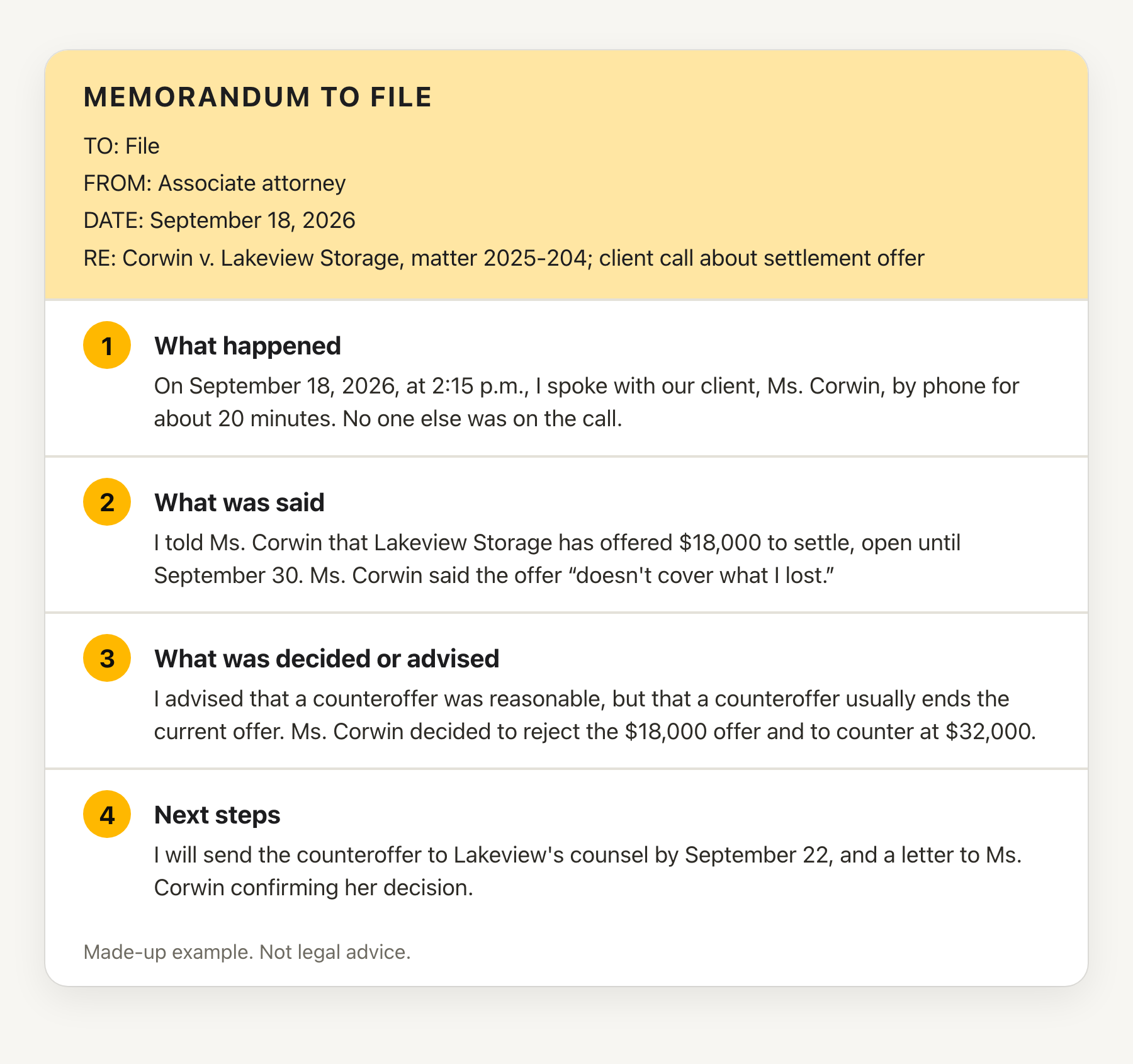
MEMORANDUM TO FILE
TO: File
FROM: Associate attorney
DATE: September 18, 2026
RE: Corwin v. Lakeview Storage, matter 2025-204; client call about settlement offer
What happened
On September 18, 2026, at 2:15 p.m., I spoke with our client, Ms. Corwin, by phone for about 20 minutes. No one else was on the call.
What was said
I told Ms. Corwin that Lakeview Storage has offered $18,000 to settle, open until September 30. I explained the strengths of her claim, the cost of going to trial, and the risk that a jury awards less than the offer.
Ms. Corwin said the offer "doesn't cover what I lost" and asked if Lakeview would go higher.
What was decided or advised
I advised that a counteroffer was reasonable, but that a counteroffer usually ends the current offer, so the $18,000 may not be available again. Ms. Corwin decided to reject the $18,000 offer and to counter at $32,000. She said she understood the risk.
Next steps
I will send the counteroffer to Lakeview's counsel by September 22, and a letter to Ms. Corwin confirming her decision. Calendar reminder set for September 30.
AB
Is there a memo template in Word?
Yes. Microsoft Word has memo templates. In Word for Mac, click File, then New from Template, and look for the memo templates in the gallery.
These are general business memos. To use the template on this page instead, paste it into a blank Word document and save it as a template, so it is there for every new memo:
- In Word for Mac, click File, then Save as Template.
- Type a name, like "Memo to file".
- Next to File Format, choose Microsoft Word template (.dotx).
- Click Save.
How do I write a memo to file faster?
Say it out loud as soon as the call ends, while the details are fresh. A memo to file is a few short paragraphs, and you already know what was said.
Your Mac has free dictation built in, called Apple Dictation.
- Open your memo template in Word or Google Docs, and click under "What happened".
- Press the Microphone key once. On most Mac keyboards from the last few years, the F5 key has a small microphone on it. This is the Microphone key. If Siri is turned on, holding the key opens Siri instead.
- Say what happened, then press the Microphone key again.
- Read it once, and check names, dates and amounts.
Apple Dictation stops by itself after 30 seconds of silence. Apple designed it this way. If you stop to check your notes, press the Microphone key again before you carry on.
Say "quote" and "end quote" around the client's exact words. Our list of Mac dictation commands has the rest. If Dictation is not turned on yet, our guide on how to dictate on a Mac shows how.
If the memo answers a legal question for another lawyer, it is a different kind of memo. Our legal memo format page has a template for that.
When should a lawyer pay for a dictation app?
For simple, short text, like a text message, a web search or a quick reply, Apple Dictation works fine in most cases.
A paid app makes sense if you write for hours every day, and if you don't want to fix the dictation errors that Apple Dictation makes.
We've built Roar, the best way to write with your voice. Roar cleans up and formats text based on where you're writing to retain your exact meaning. Think of how emails, LinkedIn posts and AI prompts all need to be formatted differently. It keeps your exact words, to the best extent possible.
Roar works in the apps lawyers use every day, like Microsoft Word, Microsoft Outlook, Gmail and Clio.
Roar keeps no recordings of your voice and no transcripts on our servers. It does not use your data to train AI models. Roar works on Macs with macOS 14 Sonoma or later and Apple silicon (M1 or newer).
Your first 5 dictations on Roar are free. You can read how Roar works for lawyers or download Roar for Mac.