Deposition summary template for lawyers
This is a free deposition summary template in page-line and topical layouts. It includes an example and the steps to write a summary by hand or by voice.
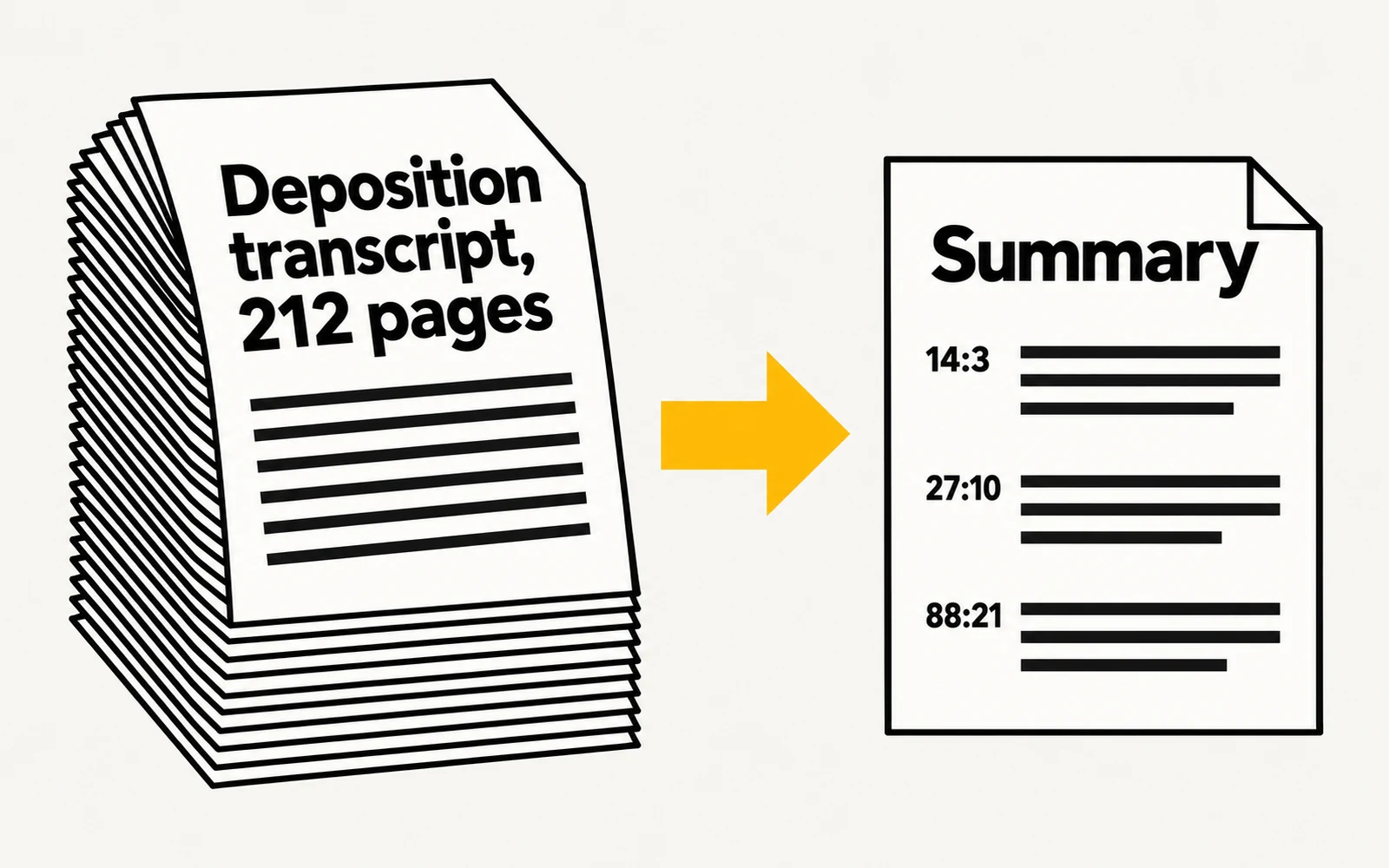
A deposition summary is a short written account of what a witness said in a deposition. Each point in it gives the page and line of the transcript where the witness said it.
This page gives you a free template in two layouts:
- A page-line summary follows the transcript in order, page by page.
- A topical summary groups the testimony by subject.
Both start with the same header. Copy the one you need into your own document.
We have built Roar, a dictation app that is light years ahead of Apple Dictation. There's a link to try Roar for free at the end of this article.
What is a deposition summary?
A deposition summary is a short version of a deposition transcript. It tells the lawyer what the witness said, and where to find it in the transcript.
A transcript can run to hundreds of pages. The summary lets a lawyer find the important testimony in minutes, when they prepare for trial, a motion or another deposition.
The page and line numbers matter. In federal court, any party may use a deposition to contradict the witness if they say something different at trial (Federal Rule of Civil Procedure 32). To do that, the lawyer needs the exact place in the transcript.
What should a deposition summary include?
Every deposition summary starts with a header. It says whose deposition it is, and which transcript it summarizes.
| Field | What to write |
|---|---|
| Case | The case name and case number |
| Witness | The full name of the person deposed, and their role in the case |
| Date and place | When and where the deposition took place |
| Lawyers present | Who asked the questions, and who represented the witness |
| Transcript | The court reporter, and the number of pages |
| Exhibits | The exhibits marked during the deposition, by number |
| Changes by the witness | Whether the witness reviewed the transcript and signed a list of changes, and where it is |
| Prepared by | Your name, and the date you wrote the summary |
The row about changes by the witness is easy to forget. In federal court, the witness can ask to review the transcript. They then have 30 days to sign a statement that lists any changes and the reasons for them (Federal Rule of Civil Procedure 30). If they did, read the changes before you summarize those pages.
What is a page-line deposition summary?
A page-line summary follows the transcript from the first page to the last. Each row gives the page and line numbers, a short topic, and what the witness said.
Here is the template:
| Page:Line | Topic | Testimony |
|---|---|---|
| [page]:[line] to [page]:[line] | [A topic in two to four words] | [What the witness said, in one or two plain sentences] |
| [page]:[line] to [page]:[line] | [Topic] | [Testimony] |
And here is a short example. All names in it are made up. The case is Harper v. Ridgeway Movers, Inc., and the witness is Jordan Ellis, the truck driver.
| Page:Line | Topic | Testimony |
|---|---|---|
| 6:4 to 6:19 | Work history | Ellis has driven for Ridgeway Movers since 2021. Before that, he drove for a food supplier for three years. |
| 9:2 to 10:11 | Training | Ellis had two days of training when he started. He does not remember any training on backing up a truck. |
| 14:7 to 15:22 | The accident | Ellis was backing into a loading dock at about 7:30 a.m. He says he checked both mirrors, but did not see Harper behind the truck. |
| 16:1 to 16:14 | Backup camera | The truck had a backup camera. Ellis says the screen was not working that week, and that he told his manager by text. (Exhibit 4) |
| 21:3 to 21:20 | After the accident | Ellis called 911 and stayed with Harper until the ambulance came. He did not fill in an accident report that day. |
What is a topical deposition summary?
A topical summary groups the testimony by subject, not by page. Under each topic, you write what the witness said, with the page and line numbers.
Use it when the lawyer wants to see everything the witness said about one subject in one place. For example, a witness may talk about the same event at the start and again at the end of the day.
Here is the template:
| Topic | Testimony | Page:Line |
|---|---|---|
| [Topic 1] | [What the witness said about this topic, in plain sentences] | [Every place they said it] |
| [Topic 2] | [Testimony] | [Page:Line] |
The same made-up deposition, summarized by topic:
| Topic | Testimony | Page:Line |
|---|---|---|
| Backup camera | The screen was not working that week. Ellis told his manager by text (Exhibit 4). Later, he said the manager told him to use his mirrors until it was fixed. | 16:1 to 16:14; 38:5 to 38:17 |
| Training | Two days of training when he started. No training on backing up that he remembers. | 9:2 to 10:11 |
| Accident report | He did not fill in a report on the day. He wrote one two days later, when his manager asked. | 21:3 to 21:20; 40:2 to 40:9 |
How do I write a deposition summary?
Read the transcript, then write what the witness said in short, plain sentences, with the page and line for each point.
- Ask the lawyer which layout they want, page-line or topical, before you start.
- Fill in the header. Check whether the witness signed a list of changes.
- Read the whole transcript once. Mark the pages where the important testimony is.
- Write the summary. Use the witness's facts, not your opinion of them.
- Give a page and line for every point, so the lawyer can check it.
- Mark the exhibits by number where the witness talks about them.
- Read your summary against the transcript once more before you send it.
Write "the witness says" or "Ellis says", not "Ellis admitted". The lawyer decides what the testimony means.
This template is not legal advice. Your firm, your court and the lawyer you work for decide what a summary must include.
How do I dictate a deposition summary on a Mac?
You can say the summary instead of typing it, with Apple Dictation. It is free, and it works in Microsoft Word, Google Docs and any other app on your Mac.
- Open your summary in Word or Google Docs, and click in the cell where the testimony goes.
- Press the Microphone key once. On most Mac keyboards from the last few years, the F5 key has a small microphone on it. This is the Microphone key. Don't hold the key down. If Siri is turned on, holding the key opens Siri instead.
- Read the transcript, then say what the witness said in your own words.
- Press the Microphone key again when you finish the point.
- Type the page and line numbers with the keyboard. If Dictation gets a number like 16:1 wrong, typing it is quicker than fixing it.
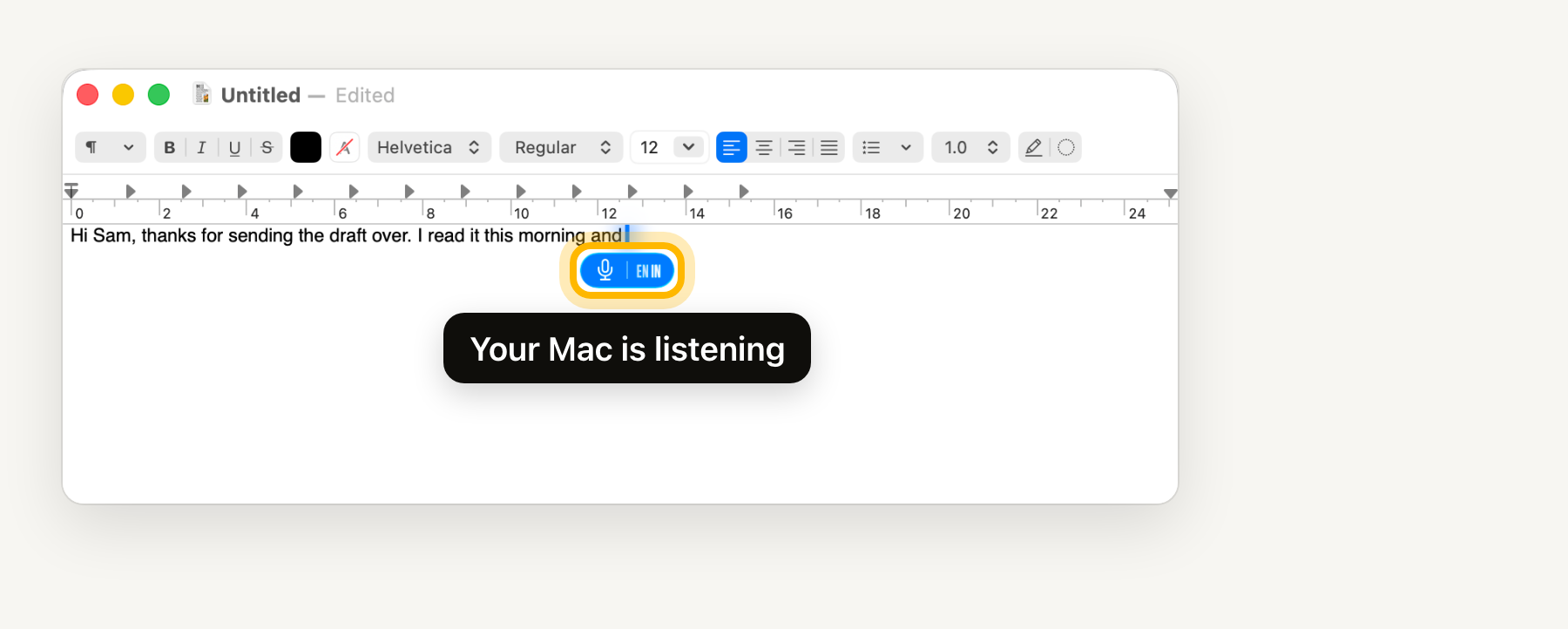
Apple Dictation stops by itself after 30 seconds of silence. Apple designed it this way. If you stop to read a few pages, press the Microphone key again before you carry on.
Say "comma" or "period" when you need one, and "new line" to start a new line. Our list of Mac dictation commands has the rest. If Dictation is not turned on yet, our guide on how to dictate on a Mac shows how, with pictures.
What is the best dictation software for lawyers on a Mac?
For simple, short text, like a text message, a web search or a quick reply, Apple Dictation works fine in most cases.
A paid app makes sense if you write for hours every day, and if you don't want to fix the dictation errors that Apple Dictation makes.
We've built Roar, the best way to write with your voice. Roar cleans up and formats text based on where you're writing to retain your exact meaning. Think of how emails, LinkedIn posts and AI prompts all need to be formatted differently. It keeps your exact words, to the best extent possible. Roar works in the apps lawyers use every day, like Microsoft Word, Outlook, Gmail and Clio.
Roar keeps no recordings of your voice and no transcripts on our servers. It does not use your data to train AI models. Roar works on Macs with macOS 14 Sonoma or later and Apple silicon (M1 or newer).
Your first 5 dictations on Roar are free. You can read how Roar works for lawyers or download Roar for Mac.