How to pitch an article to an editor
This is a step by step guide to pitching an article to an editor. It covers what to write and when to follow up, with a free template.
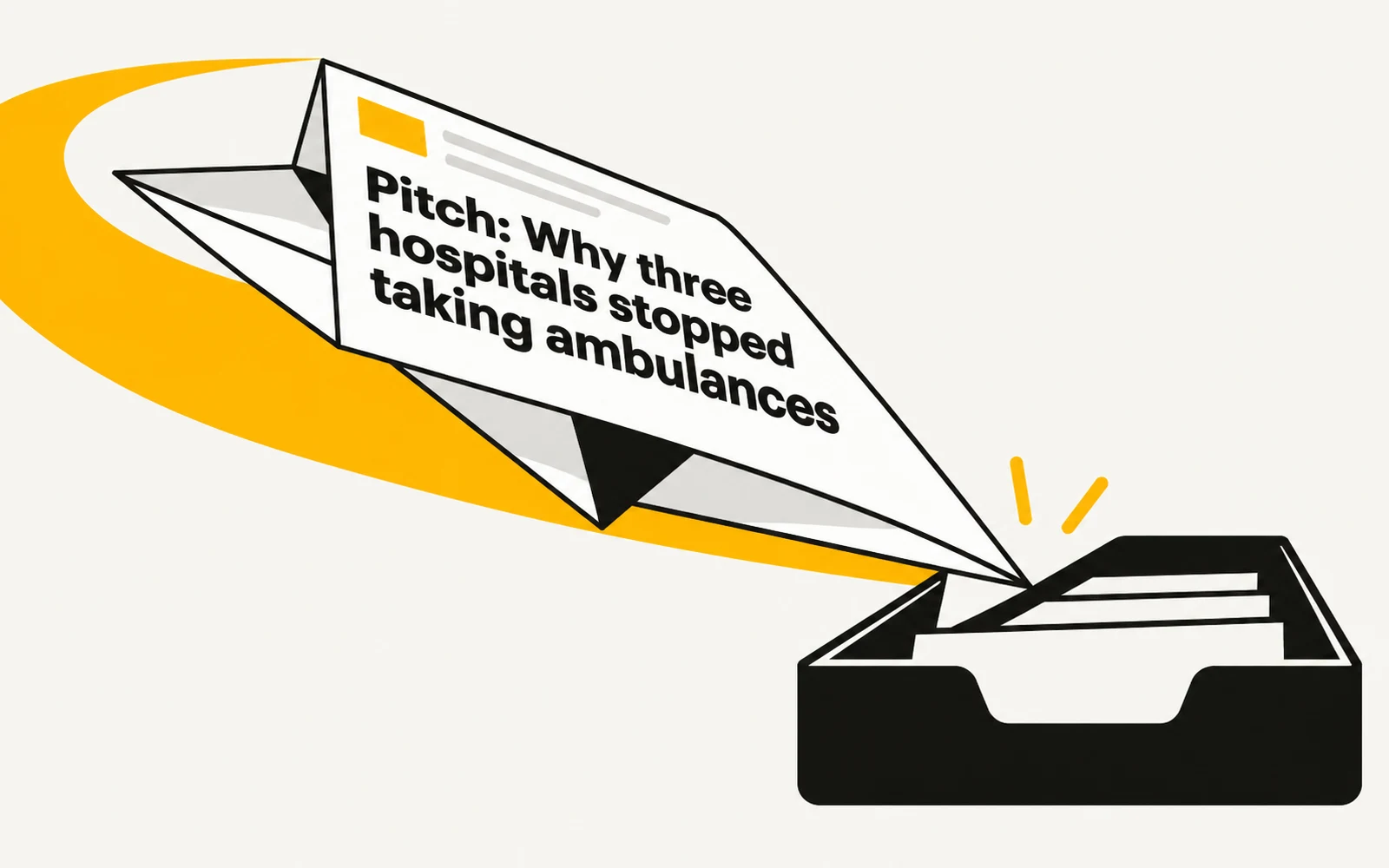
To pitch an article, you send the right editor a short email. It says what the story is, why it matters now, and why you are the person to write it.
We have built Roar, a dictation app that is light years ahead of Apple Dictation. There's a link to try Roar for free at the end of this article.
How do you pitch an article to an editor?
You pitch an article by email, to one editor, with a short message about one story. Outlets usually want the pitch first, not the finished article. You write the article after the editor says yes.
The steps below work for freelancers and for staff reporters pitching their own desk. Some outlets publish their own pitch guidelines. If yours does, follow them first.
How do I find the right editor to pitch?
Read the outlet's recent stories in your topic, and find the editor of that section. Send the pitch to that editor directly when you can find their email, not to a general inbox.
- Read at least a few weeks of the section you want to write for. Jaron Gilinsky, a co-founder of Storyhunter, tells the International Journalists' Network to "watch, read, and analyze a large number of stories by an editor" before you pitch them for the first time.
- Check that the outlet hasn't already covered your story. The Association of Health Care Journalists suggests searching Google instead of the outlet's own search box. Type
site:and the outlet's web address, then your keywords, for examplesite:example.com hospital prices. - Find the editor's name. Look at the outlet's staff page or masthead, or at the editor's name on stories in that section.
- Look for pitch guidelines on the outlet's website. Many outlets list what they want and how to send it.
How do you write a pitch for an article?
A good pitch has five parts: a subject line, the story, why now, how you will report it, and who you are.
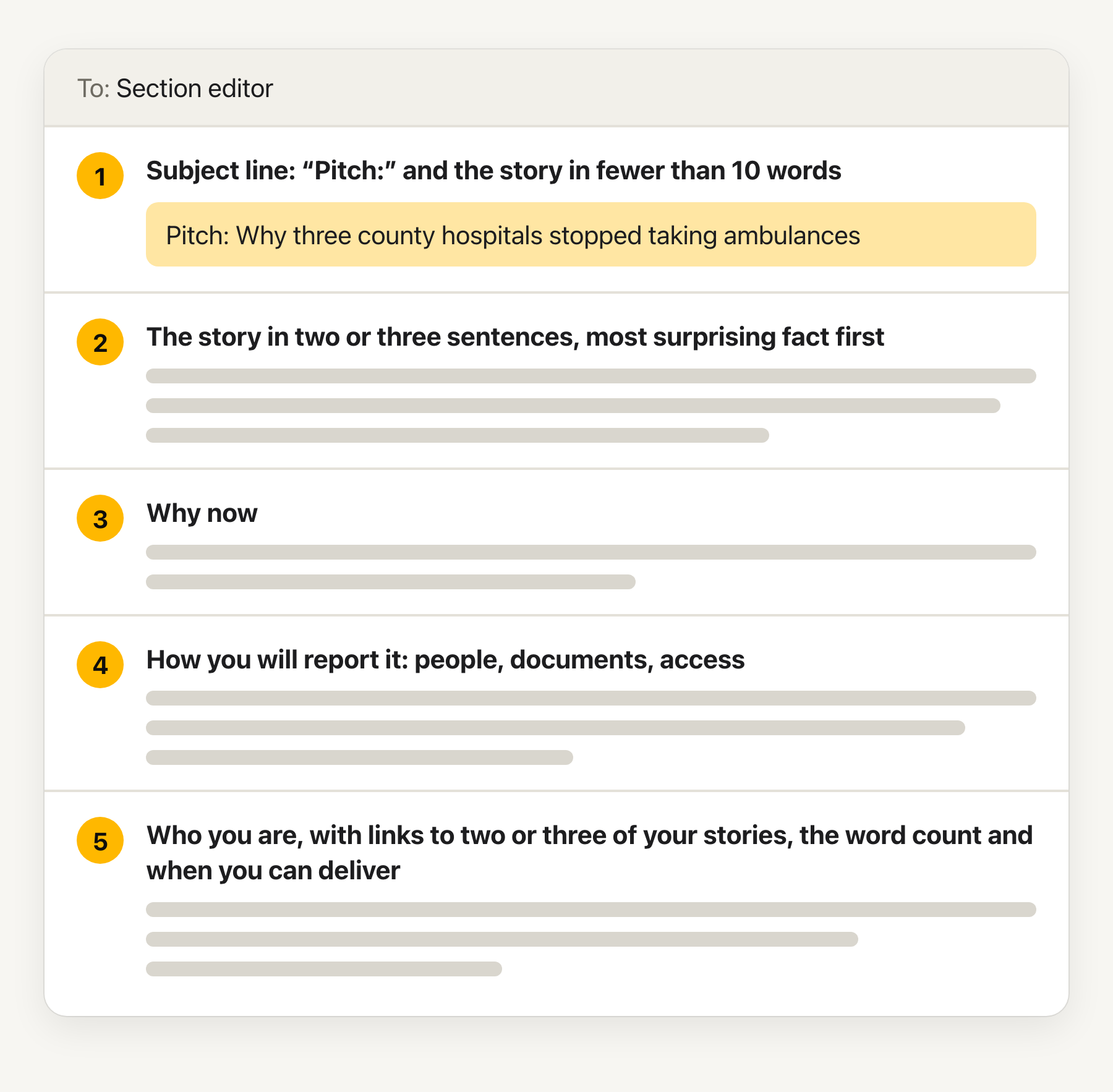
- The subject line. Start with "Pitch:" and add a short working headline.
- The story. Say what happened, or what you found, in two or three sentences. Put the most surprising fact first. "Don't bury the lede," as Nichole Currie, an audio producer at WHYY's The Pulse, told a panel of the Association of Health Care Journalists in 2025.
- Why now. Say why readers need this story this week, not next year.
- How you will report it. Name the people and the documents you will use. Say if you already have access to the people in the story.
- Who you are. Write one or two sentences about yourself, then link two or three of your published stories. Say how many words you will write and when you can deliver.
Only write what you know is true. The International Journalists' Network advises against words like "may", "might" and "likely" in a pitch.
What should the subject line of a pitch say?
Start the subject line with "Pitch:", then say the story in fewer than 10 words. For example: "Pitch: Why three county hospitals stopped taking ambulances".
The subject line decides whether the editor opens the email. Tony Tran, a senior technology editor at Slate, said at the same 2025 panel that if he is interested before he opens the email, "I think I'm 90% of the way there."
If the story can't wait, add "Time-sensitive" to the subject line.
How long should a pitch be?
Two or three short paragraphs is enough for most pitches. A very short pitch can work if it has clear news in it.
Here is what editors at the 2025 panel said:
- Macon Morehouse, news director at Science News: keep it short, and never send a pitch longer than the story you are proposing.
- Judy Lin, California editor at KFF Health News: a three-sentence pitch can work if there's clear news in it. A longer pitch can show the reporting you have already done.
- Nichole Currie, The Pulse: for a 10 to 20 minute audio story, two to three paragraphs.
A fast way to write a short pitch is to say the story out loud first, the way you would tell a friend. Then write down what you said and cut it to the parts above.
What is a good pitch example?
A good pitch is short, specific and easy to say yes to. Here is a template you can copy, then an example of a filled-in pitch. The example is invented.
The template:
Subject: Pitch: [the story in fewer than 10 words]
Hi [editor's first name],
[The story in two or three sentences. The most surprising fact first.]
[Why now: the reason readers need this story this week.]
[How you will report it: the people you will talk to, the documents you have, and any access you already have.]
I'm a [freelance or staff] reporter who covers [your beat]. My recent stories include [link 1], [link 2] and [link 3]. I can file [number of words] words by [date].
Thanks, [Your name]
The example:
Subject: Pitch: Why three county hospitals stopped taking ambulances
Hi Sam,
Three hospitals in Harlow County have turned away ambulances on more than 40 days this year, because their emergency rooms were full. Patients were driven an extra 30 minutes to the next county.
The county board votes on next year's health budget on December 2, and two of the hospitals are asking for more money.
I have the county's ambulance records for the year, and two paramedics and one hospital director have agreed to talk on the record.
I'm a freelance reporter who covers health in the Midwest. My recent stories include [link 1], [link 2] and [link 3]. I can file 1,200 words by November 28.
Thanks, Alex
How much reporting should you do before you pitch?
Do enough reporting to know the story is real, and no more. The Association of Health Care Journalists quotes one freelancer who says "over-reporting a pitch is one of the worst ways to squander your time."
Before you pitch, you should be able to answer these questions:
- Is the main fact true, and can you show it?
- Will the key people talk to you?
- Has the outlet already covered it?
Editors also want to know you can reach the people in the story. "Do you have access to the characters in your story?" is the question Nichole Currie asks.
Can you pitch the same story to more than one editor?
Pitch one outlet at a time, especially outlets that compete with each other. If you need an answer fast, tell the editor when you need it.
For a time-sensitive pitch, the Association of Health Care Journalists suggests giving the editor a deadline. For example: "If I don't hear from you by the end of the day tomorrow, I'll move on to other outlets."
If the editor says no, or the deadline passes, you are free to pitch the story somewhere else.
How long should you wait to follow up on a pitch?
Wait about a week before you follow up. Macon Morehouse of Science News advised waiting a week unless the pitch is urgent.
- Reply to your first email, so the editor sees the pitch again in the same thread.
- Keep it to one or two sentences. For example: "Hi Sam, I wanted to check if you had a chance to look at this pitch. I'm happy to send more detail."
- If you still hear nothing, pitch the story to another outlet.
Many pitches get no reply, or a no. We know this is annoying, but it is normal. The Association of Health Care Journalists notes that a no is often about timing or the outlet's other coverage, not your work.
When should a journalist pay for a dictation app?
For simple, short text, like a text message, a web search or a quick reply, Apple Dictation works fine in most cases.
A paid app makes sense if you write for hours every day, and if you don't want to fix the dictation errors that Apple Dictation makes.
We've built Roar, the best way to write with your voice. Roar cleans up and formats text based on where you're writing to retain your exact meaning. Think of how emails, LinkedIn posts and AI prompts all need to be formatted differently. It keeps your exact words, to the best extent possible.
Roar keeps no recordings of your voice and no transcripts on our servers. It does not use your data to train AI models. Roar works on Macs with macOS 14 Sonoma or later and Apple silicon (M1 or newer).
With Roar, you can say your pitch out loud, right in your email, and then cut it down to two or three short paragraphs.
Your first 5 dictations on Roar are free. You can read how Roar works for journalists or download Roar for Mac.